Our Verdict
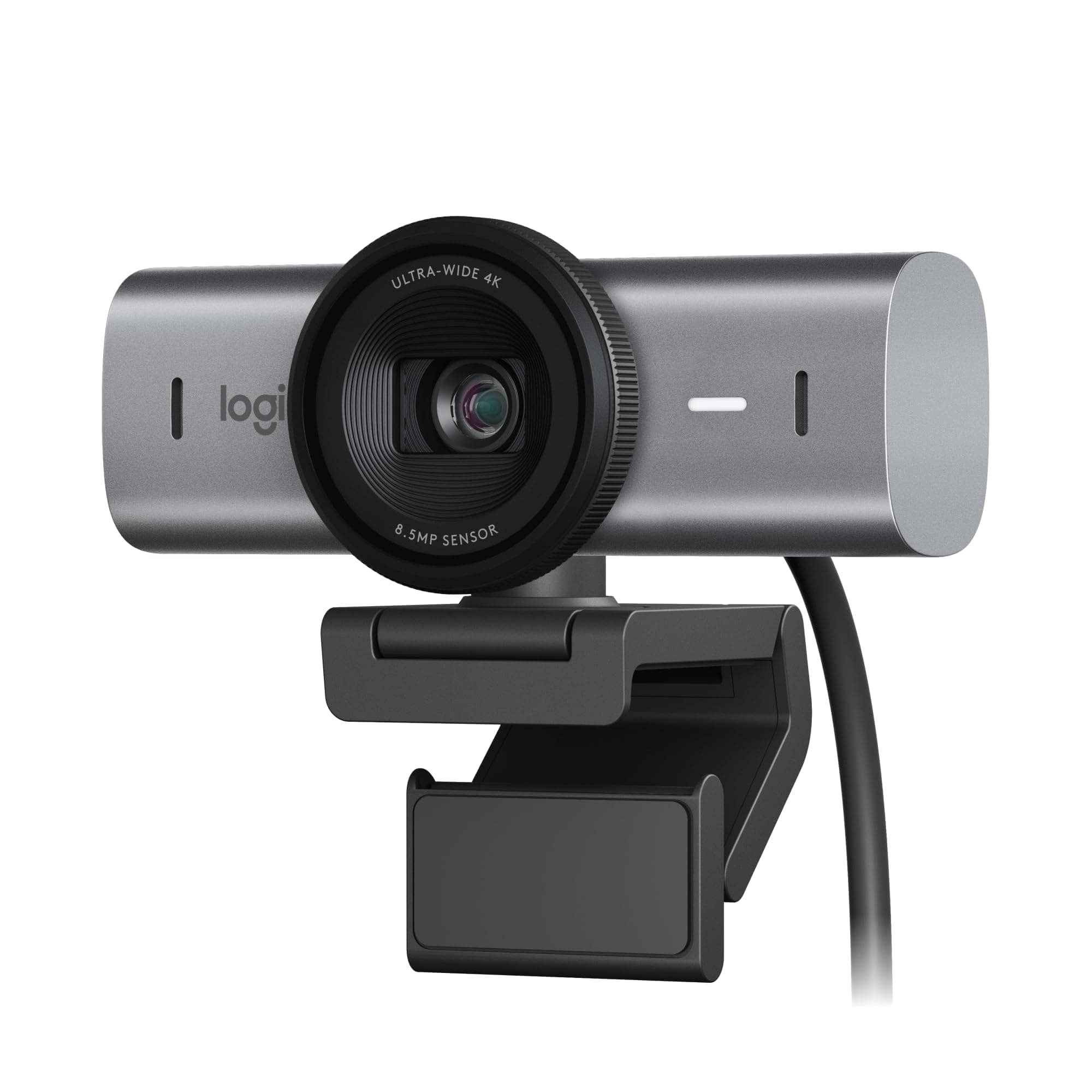
Logitech Brio 4K Webcam Wins
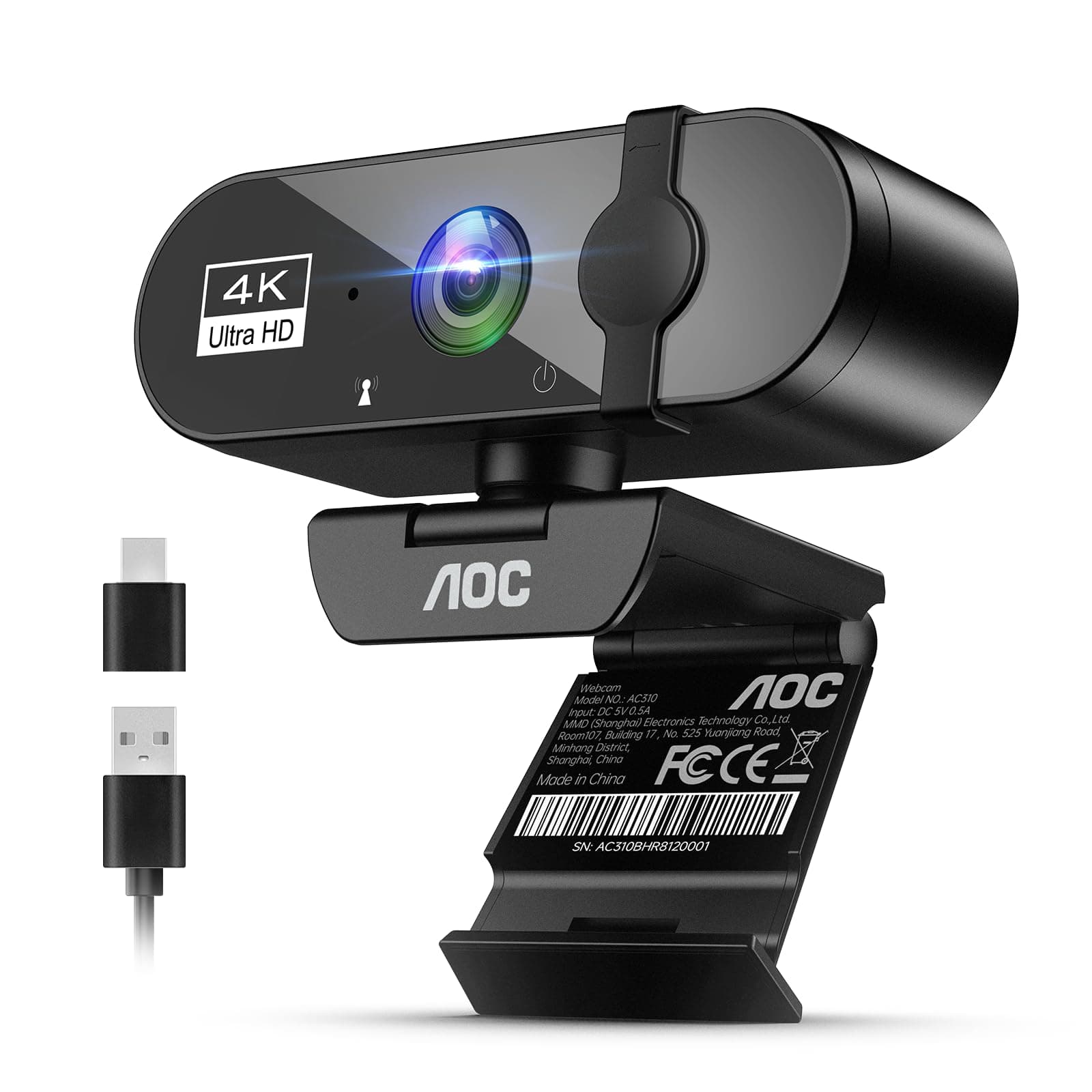
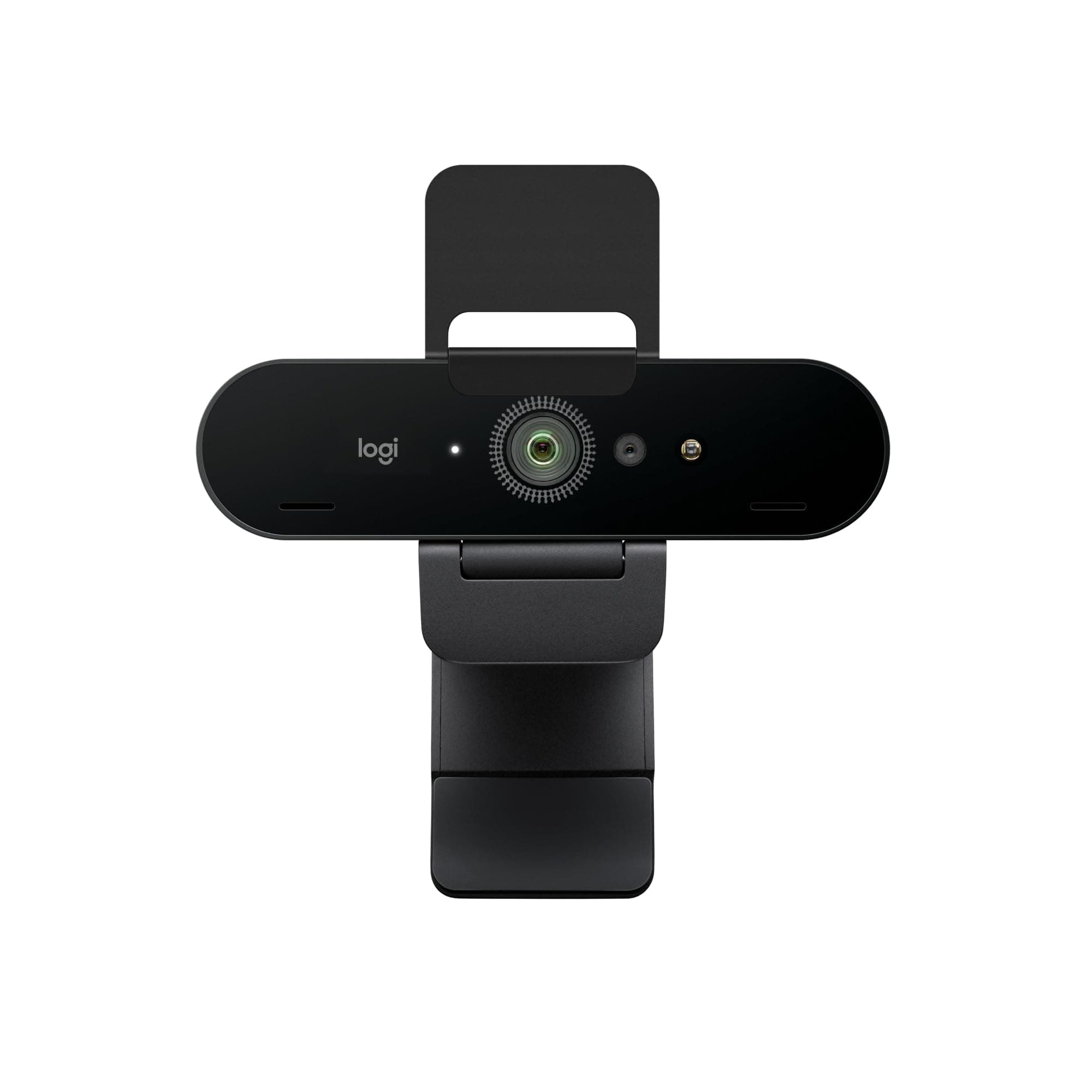
It offers autofocus and adjustable FOV (65-90 degrees) for greater versatility in various settings. Choose AOC for a simple plug & play setup and an integrated privacy cover.
Spec Comparison
11 specs compared
| Specification |  | 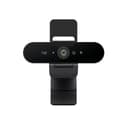 |
|---|---|---|
| Price | $28 | $170 |
| Rating | 4.6(75) | 4.5(1.1k) |
| Resolution | 4K | 4K |
| Autofocus | — | Yes |
| Weight | 0.22 lbs | 0.14 lbs |
| Tripod Mount | Yes | — |
| Connection | both | both |
| Microphone Type | noise-canceling | noise-canceling |
| Privacy Shutter | Yes | Yes |
| Max Frame Rate Fps | 30 | 30 |
| Low Light Correction | Yes | Yes |
| Field Of View Degrees | 90 | 90 |
| Autofocus Type | — | AF |
Swipe horizontally to see all columns
Pros & Cons
Quick overview of strengths and weaknesses

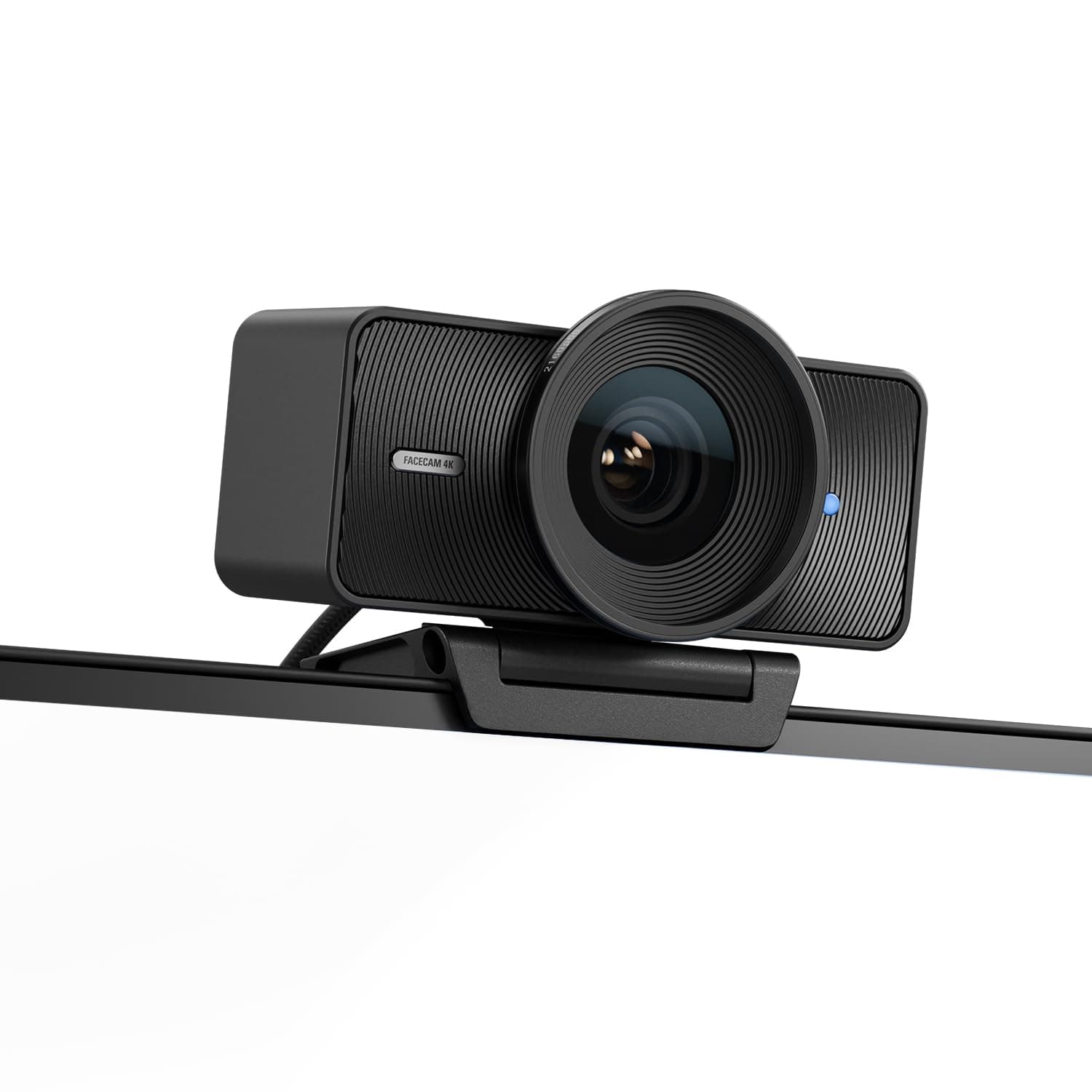
AOC AOC 4k
- Outputs 4K resolution video for sharp imaging.
- 90-degree field of view suits group calls.
- Integrated noise-canceling mic reduces background sound.
- Physical lens cover ensures complete privacy.
- 4K video capped at 30 frames per second.
- No dedicated software for custom video settings.
- Lacks optical zoom for distant subjects.

Logitech Logitech Brio
- 4K 30fps video output
- Autofocus with auto light correction
- Adjustable 65, 78, 90 degree field of view
- Noise-canceling dual microphones
- Attachable privacy shutter can be misplaced
- Requires Logi Options+ software for full control
- 4K resolution fixed at 30 frames per second
Frequently Asked Questions
Common questions about this comparison
Which webcam is better for varying distances and groups?
The Logitech Brio 4K Webcam is better due to its autofocus feature and adjustable field of view (65, 78, or 90 degrees). This allows for sharper images whether you're close or far, and accommodates different group sizes easily.
What's the main difference in terms of setup and control?
The AOC 4K Webcam offers a simple plug & play experience without needing additional software. The Logitech Brio requires Logi Options+ software for full control over its features, like adjusting the field of view or fine-tuning settings.
How do their privacy features compare?
Both include a privacy shutter. The AOC webcam has a physical lens cover integrated into its design for complete privacy. The Logitech Brio comes with an attachable privacy shutter, which is effective but could potentially be misplaced.
Do either offer higher than 30fps at 4K resolution?
No, both the AOC 4K Webcam and the Logitech Brio 4K Webcam are capped at 30 frames per second when recording or streaming in 4K resolution. This is a common limitation for 4K webcams at this performance tier.
Related Comparisons
Similar products people compare
Ask AI
Get instant answers about specs
Get the Deets
Ask our AI assistant
Ask Deets anything!