Our Verdict
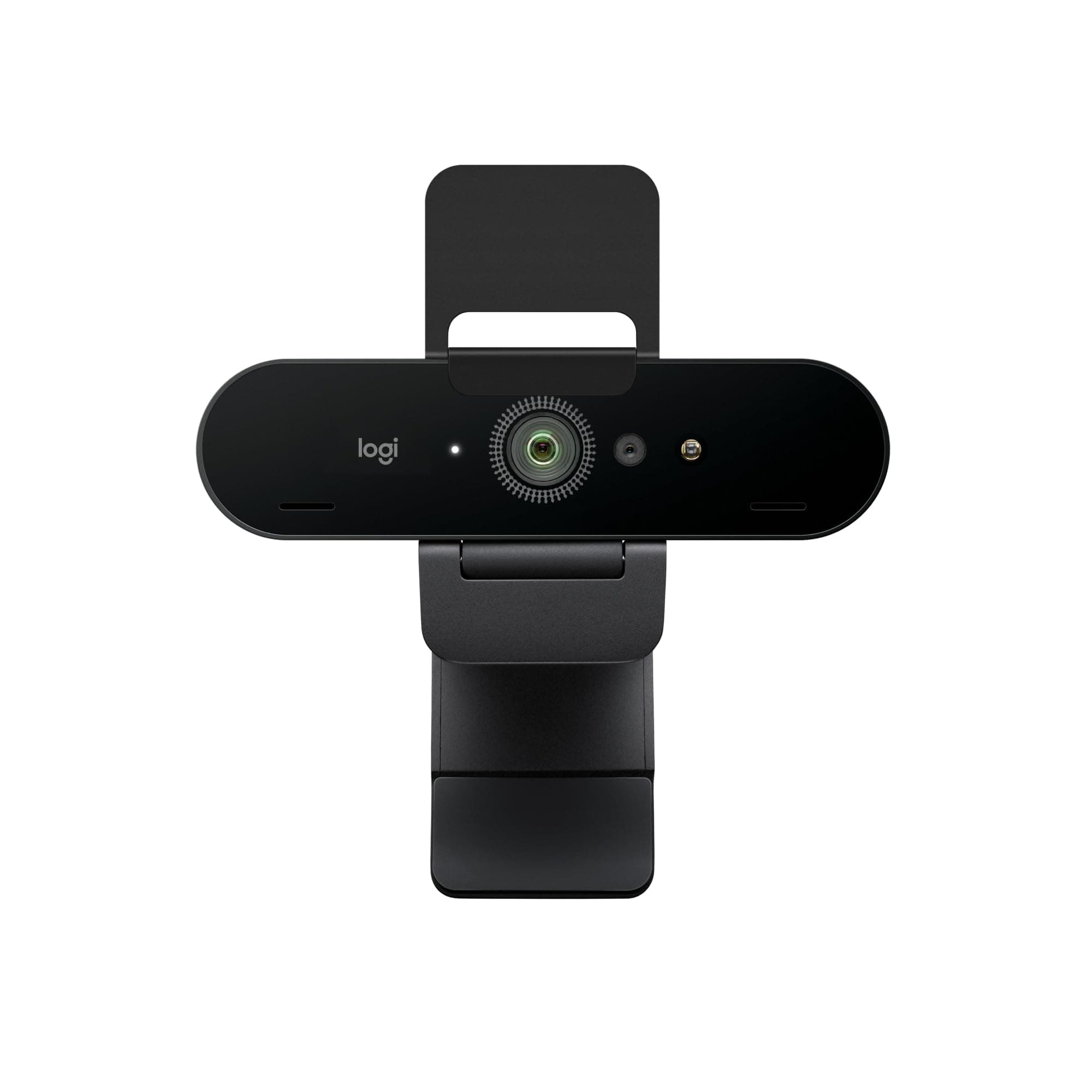
Logitech MX Brio Wins
It features autofocus, superior low-light performance with a 70% larger sensor, and 1080p@60fps. Choose AOC for its lighter 0.22 lbs weight and explicit 90° FOV for wider shots.
Spec Comparison
11 specs compared
| Specification |  |  |
|---|---|---|
| Price | $28 | $200 |
| Rating | 4.6(75) | 4.4(851) |
| Resolution | 4K | 4K |
| Autofocus | — | Yes |
| Weight | 0.22 lbs | 0.79 lbs |
| Tripod Mount | Yes | — |
| Connection | both | USB-C |
| Microphone Type | noise-canceling | noise-canceling |
| Privacy Shutter | Yes | Yes |
| Max Frame Rate Fps | 30 | 60 |
| Low Light Correction | Yes | Yes |
| Field Of View Degrees | 90 | — |
| Autofocus Type | — | AF |
Swipe horizontally to see all columns
Pros & Cons
Quick overview of strengths and weaknesses

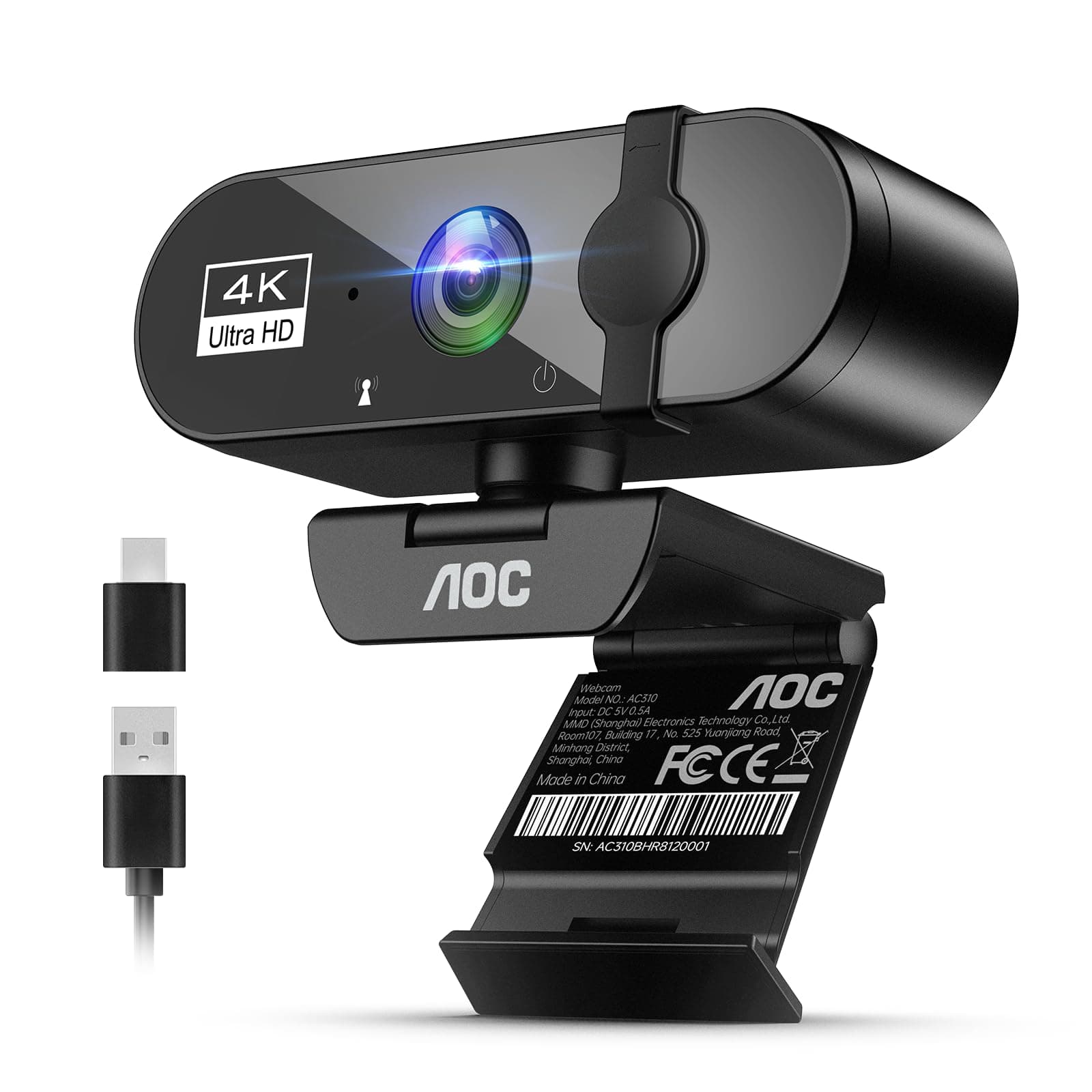
AOC AOC 4k
- Outputs 4K resolution video for sharp imaging.
- 90-degree field of view suits group calls.
- Integrated noise-canceling mic reduces background sound.
- Physical lens cover ensures complete privacy.
- 4K video capped at 30 frames per second.
- No dedicated software for custom video settings.
- Lacks optical zoom for distant subjects.

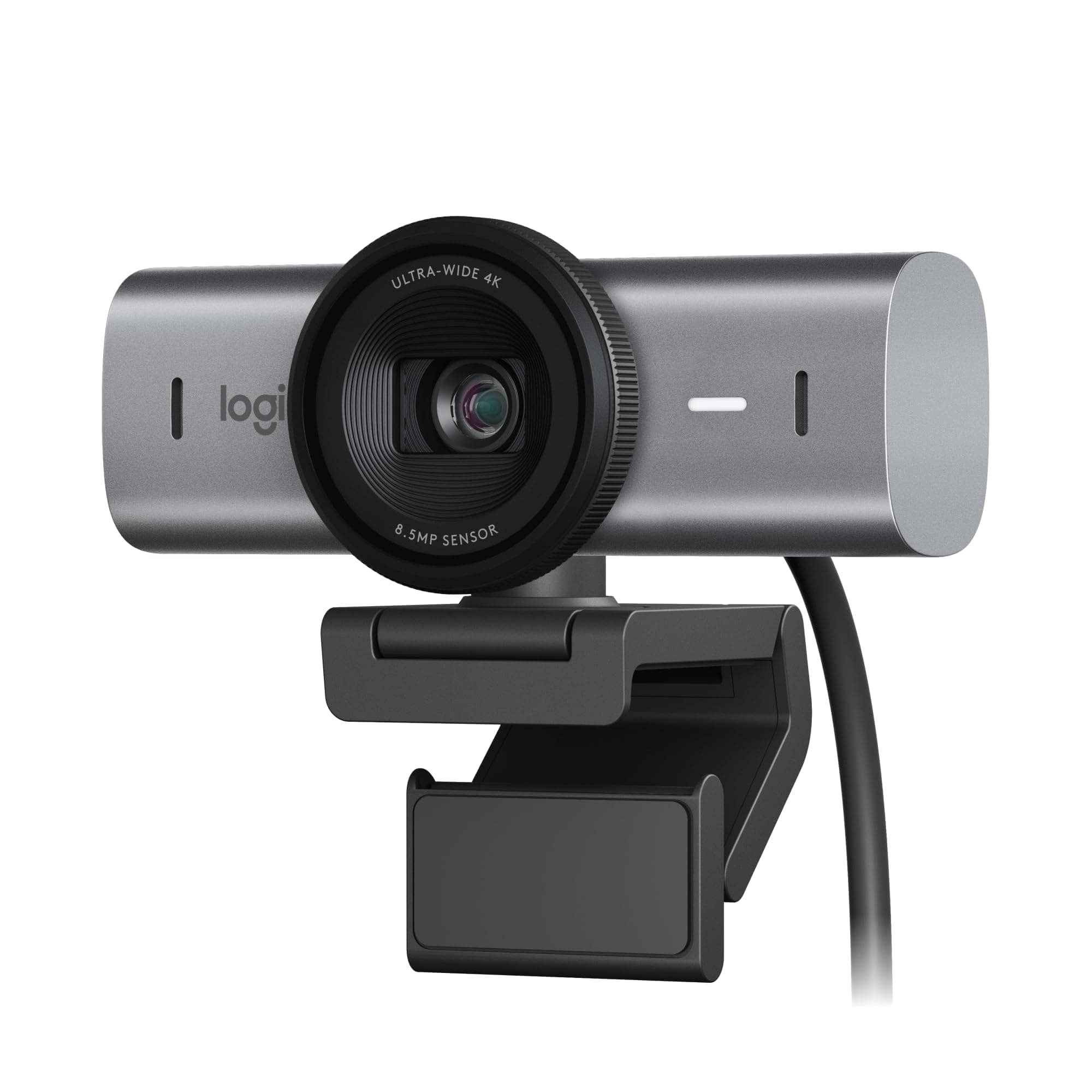
Logitech MX Brio
- Outputs 4K at 30fps or 1080p at 60fps video
- 70% larger sensor pixels improve image clarity
- AI improves face visibility in low light by 2x
- Dual AI mics reduce background audio noise
- 0.79 lbs unit weight may impact portability
- Specific features require Logitech software install
Frequently Asked Questions
Common questions about this comparison
Which webcam is better for high-quality streaming?
The Logitech MX Brio is better for streaming due to its 1080p at 60 FPS option for smoother video and advanced AI low-light improvements, which exceed AOC's 4K 30 FPS cap and standard low-light correction.
What's the main difference in low-light performance?
Logitech MX Brio offers superior low-light performance with 70% larger sensor pixels and AI that improves face visibility by 2x. AOC provides basic low-light correction but lacks these advanced features.
Does either webcam have autofocus?
Yes, the Logitech MX Brio features autofocus. The AOC 4K Webcam does not list autofocus in its specifications, suggesting it uses a fixed-focus lens.
Which is more portable?
The AOC 4K Webcam is significantly more portable, weighing only 0.22 lbs compared to the Logitech MX Brio's 0.79 lbs. This makes the AOC easier to carry and set up on the go.
Which has a wider field of view for group calls?
The AOC 4K Webcam explicitly offers a 90-degree field of view, which is well-suited for group calls. The field of view for the Logitech MX Brio is not specified in the provided data.
Related Comparisons
Similar products people compare
Ask AI
Get instant answers about specs
Get the Deets
Ask our AI assistant
Ask Deets anything!