Our Verdict
Logitech MX Brio Wins
It offers 1080p@60fps, a 70% larger sensor, and 2x better AI low-light performance. Choose Logitech Brio 4K for its adjustable 90-degree field of view and lighter 0.13875 lbs weight.
Spec Comparison
10 specs compared
| Specification |  | 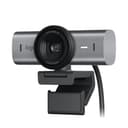 |
|---|---|---|
| Price | $170 | $200 |
| Rating | 4.5(1.1k) | 4.4(851) |
| Resolution | 4K | 4K |
| Autofocus | Yes | Yes |
| Weight | 0.14 lbs | 0.79 lbs |
| Autofocus Type | AF | AF |
| Connection | both | USB-C |
| Microphone Type | noise-canceling | noise-canceling |
| Privacy Shutter | Yes | Yes |
| Max Frame Rate Fps | 30 | 60 |
| Low Light Correction | Yes | Yes |
| Field Of View Degrees | 90 | — |
Swipe horizontally to see all columns
Pros & Cons
Quick overview of strengths and weaknesses

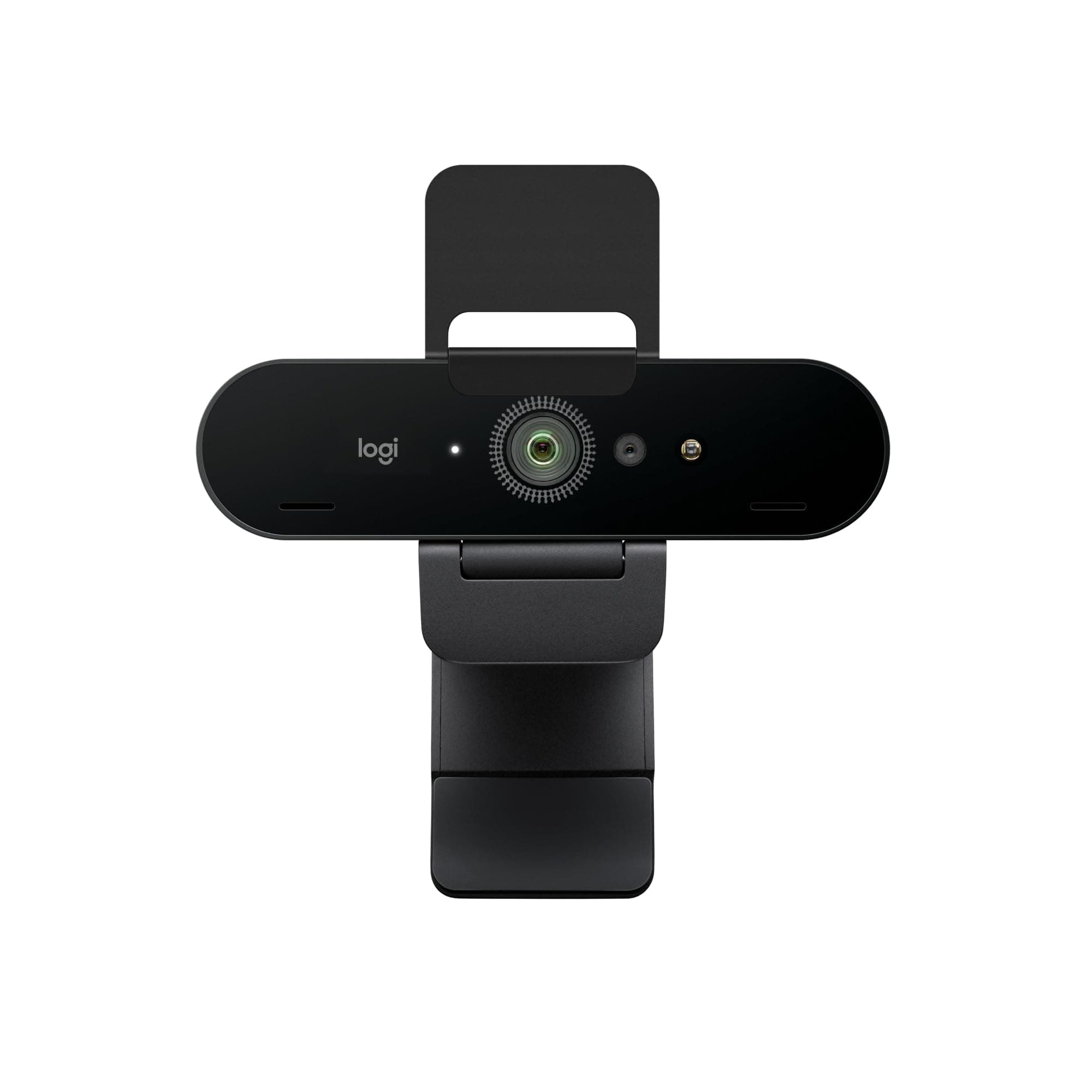
Logitech Logitech Brio
- 4K 30fps video output
- Autofocus with auto light correction
- Adjustable 65, 78, 90 degree field of view
- Noise-canceling dual microphones
- Attachable privacy shutter can be misplaced
- Requires Logi Options+ software for full control
- 4K resolution fixed at 30 frames per second

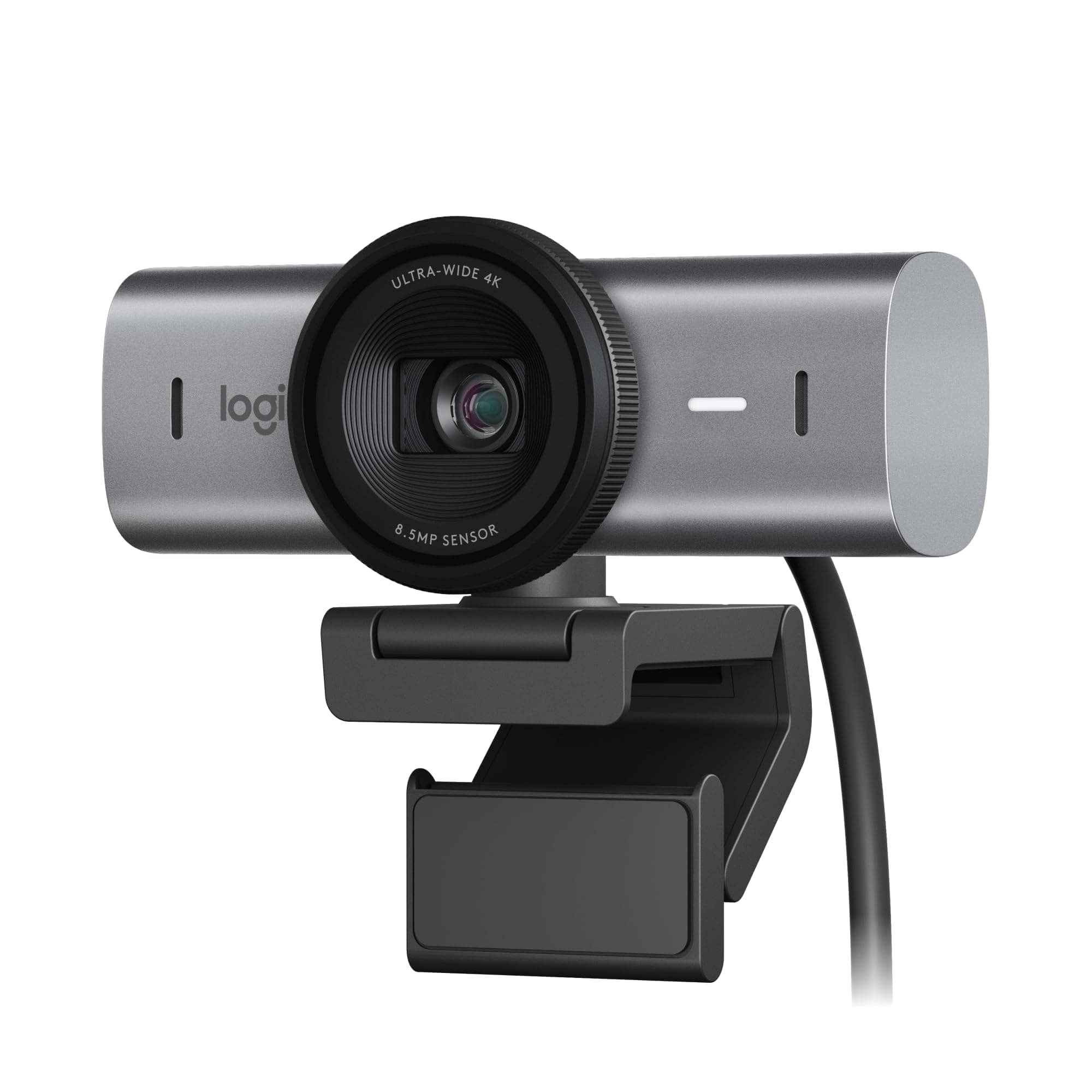
Logitech MX Brio
- Outputs 4K at 30fps or 1080p at 60fps video
- 70% larger sensor pixels improve image clarity
- AI improves face visibility in low light by 2x
- Dual AI mics reduce background audio noise
- 0.79 lbs unit weight may impact portability
- Specific features require Logitech software install
Frequently Asked Questions
Common questions about this comparison
Which webcam is better for high frame rate video?
The Logitech MX Brio is better, offering 1080p resolution at 60 frames per second. The Logitech Brio 4K is limited to 30 frames per second at all resolutions, including 4K.
What's the main difference in low-light performance?
The MX Brio excels with a 70% larger sensor and AI that improves face visibility in low light by 2x. While the Brio 4K has low-light correction, the MX Brio offers superior performance in dim conditions.
Which webcam has a wider or more adjustable field of view?
The Logitech Brio 4K offers a more versatile experience with an adjustable field of view up to 90 degrees, including 65 and 78-degree options. The MX Brio's specific field of view isn't detailed.
Is the higher weight of the MX Brio noticeable for portability?
Yes, the MX Brio weighs 0.7875 lbs, significantly more than the Brio 4K's 0.13875 lbs. The Brio 4K is much lighter, making it more portable for users on the go.
Does either webcam have unique collaboration features?
Yes, the Logitech MX Brio features 'Show Mode' which allows for easy desk sharing of documents. The Logitech Brio 4K offers Windows Hello facial recognition for secure logins.
Related Comparisons
Similar products people compare
Explore Other Categories
Popular comparisons across the site
Ask AI
Get instant answers about specs
Get the Deets
Ask our AI assistant
Ask Deets anything!